Handwritten notes and books, on one tablet.

Folio is a notebook and eReader for pen tablets. Write with brushes that answer to pressure, sketch on an infinite canvas, and mark up your PDFs and EPUBs. Everything stays on your device.

Free and open source for Android tablets. A Google Play release is on the way.

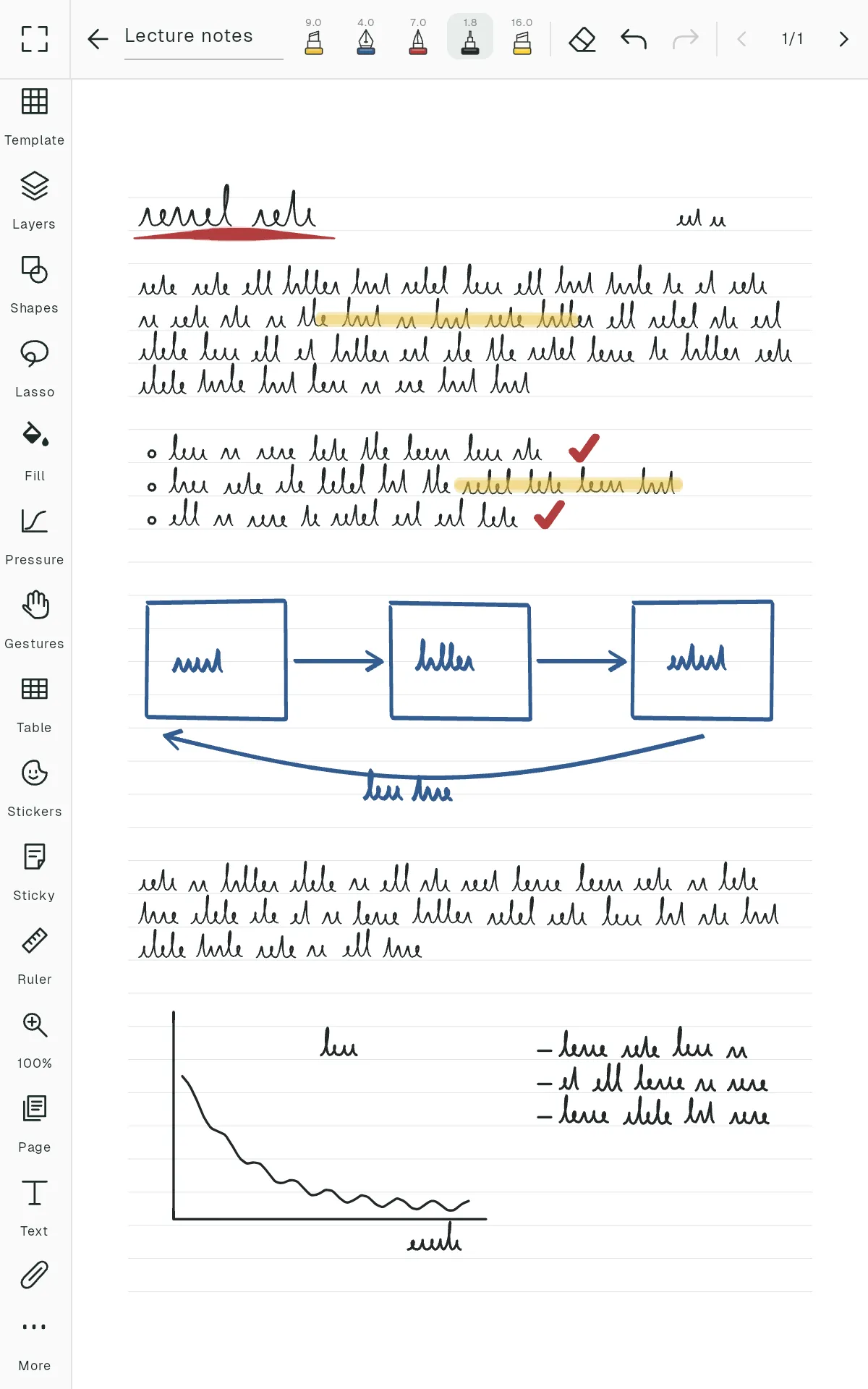
A Folio notebook page with handwritten notes

Ink that behaves like ink

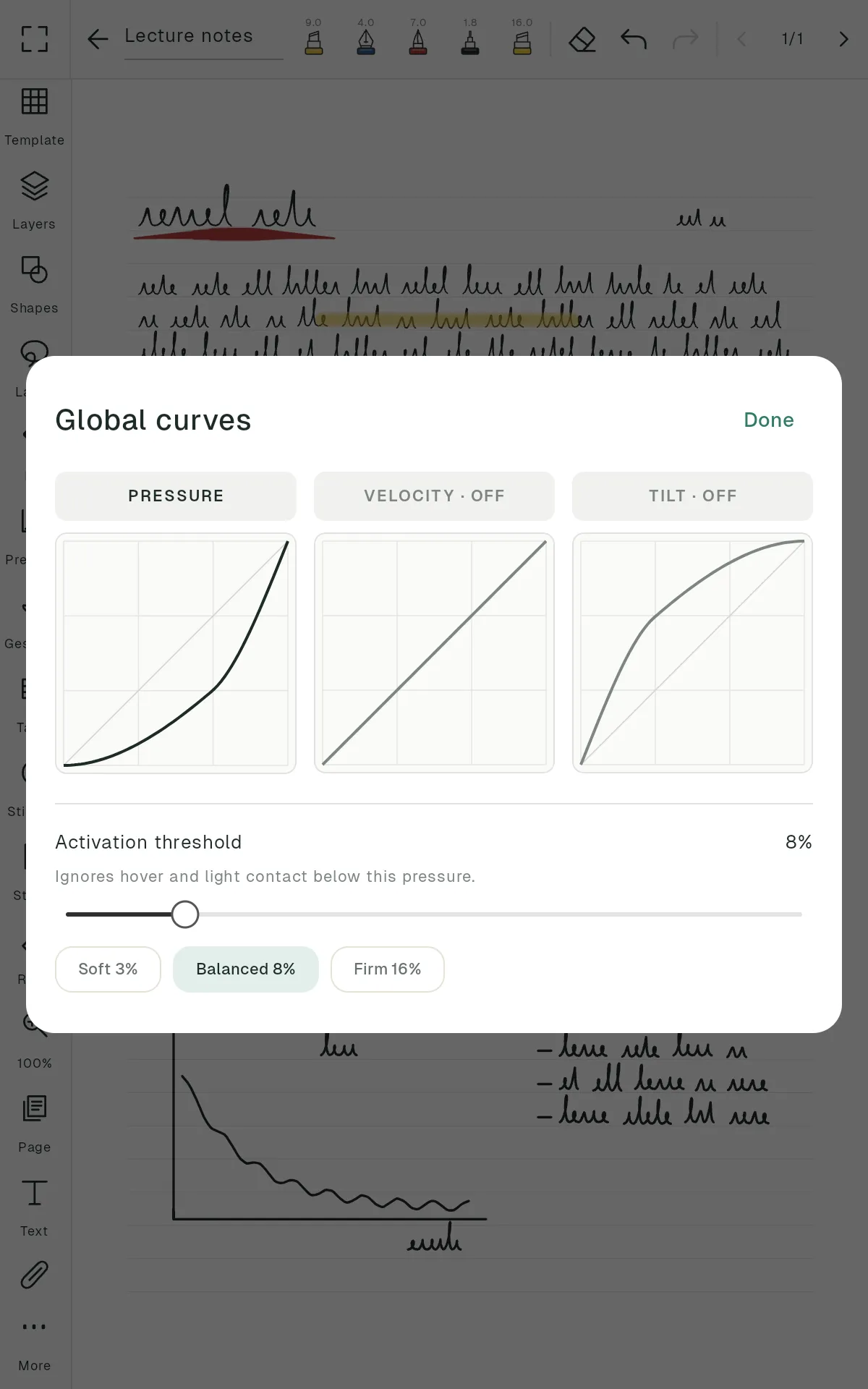
Twelve brushes, from ballpoint and fountain pen to 2H–6B pencils, chalk, spray and a bristle paint brush. Shape how pressure, speed and tilt change each stroke with curves you edit by hand.

  • Low-latency drawing with Jetpack Ink
  • Pencil grain that stays on the paper as you zoom
  • Pressure threshold that ignores a worn pen tip
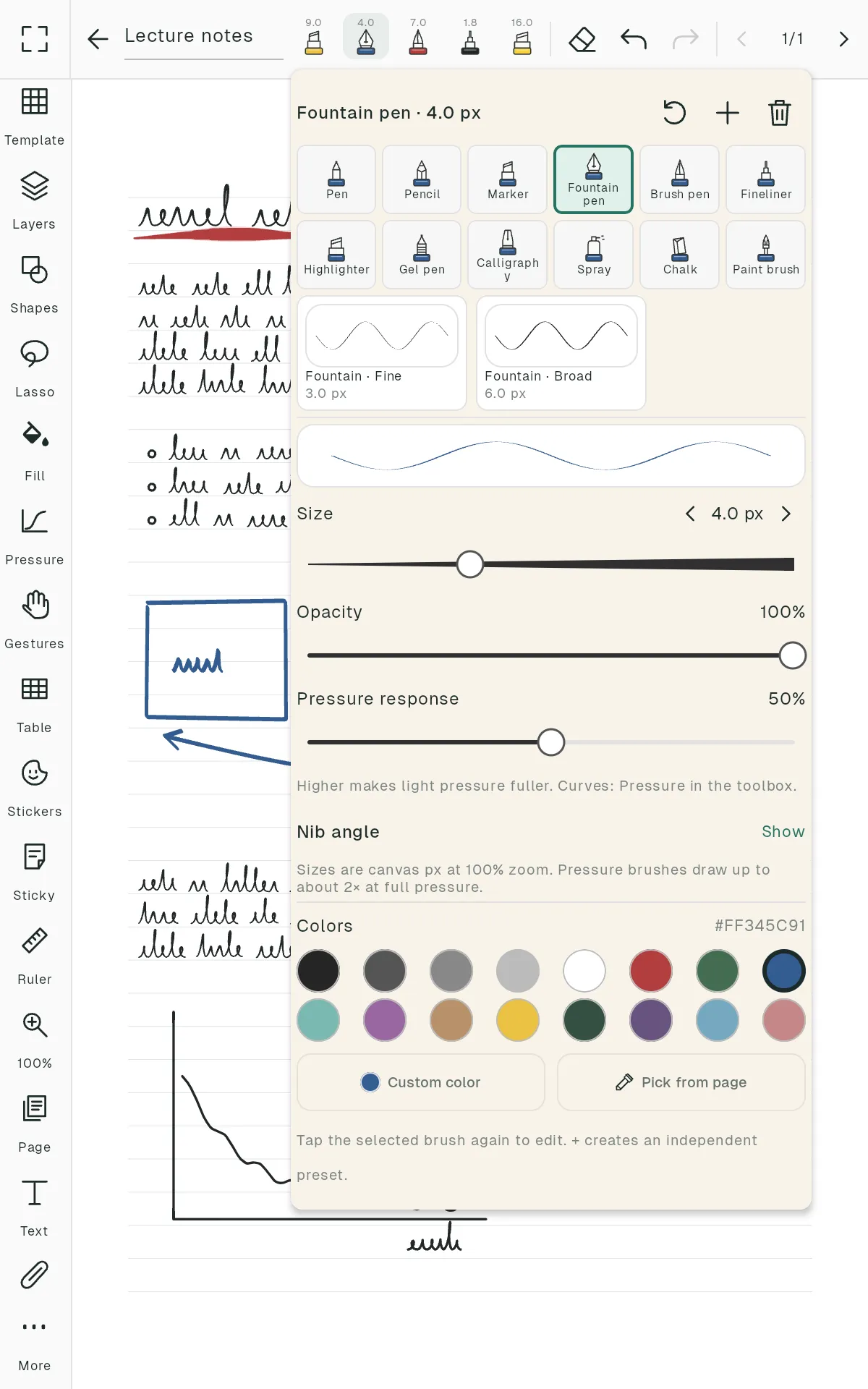
Folio brush panel with pens, pencils and paint brushes

Pages, or no edges at all

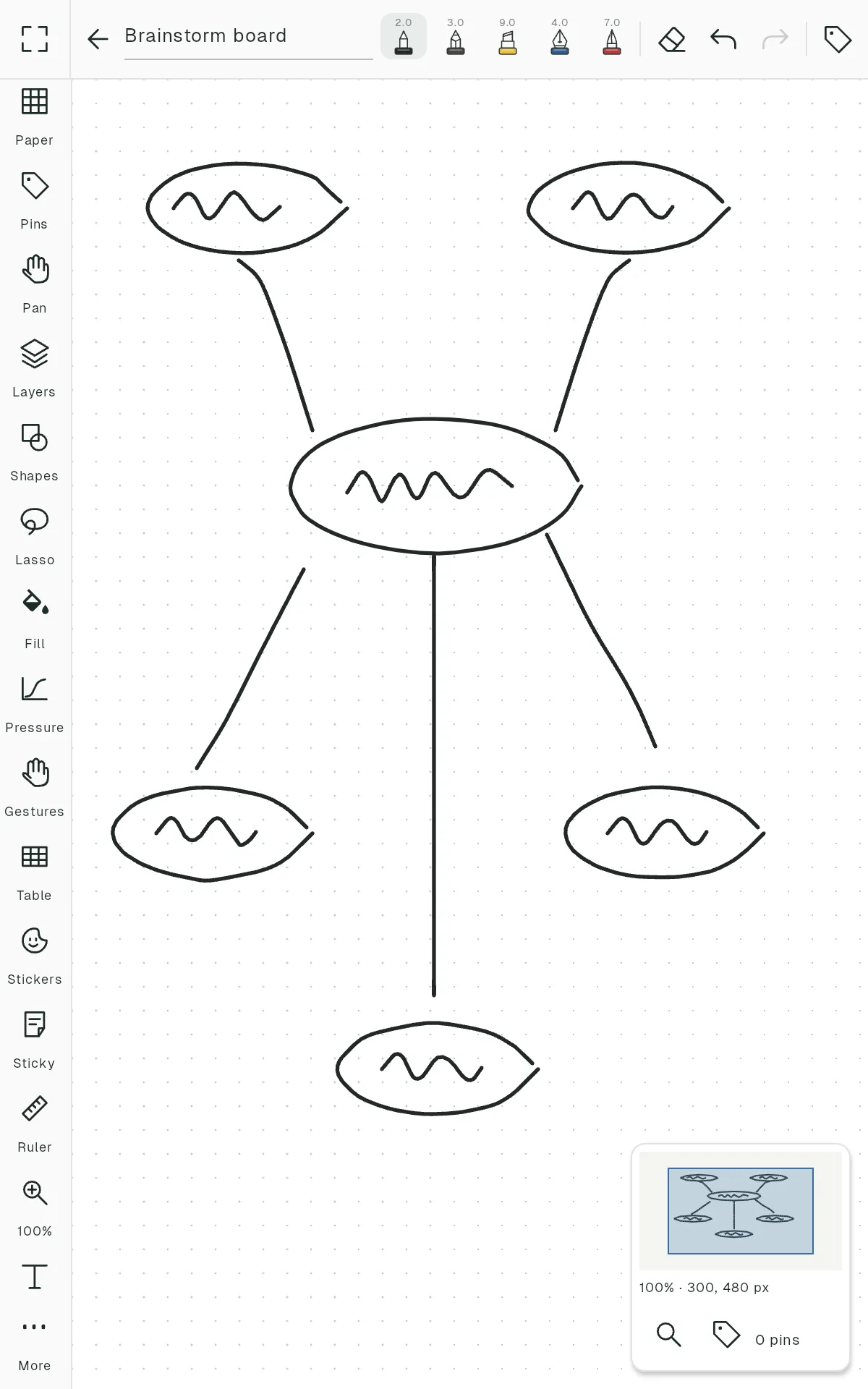
Start a notebook with one of 35 page templates, from lined and Cornell to Kanban and music staff, or open an infinite canvas with pins and a minimap to find your way back.

  • Layers, lasso, shapes and fill
  • Text, tables, stickers, sticky notes and images
  • A ruler and a zoom window for detail work
An infinite canvas with a sketch and a minimap

Read with a pen in hand

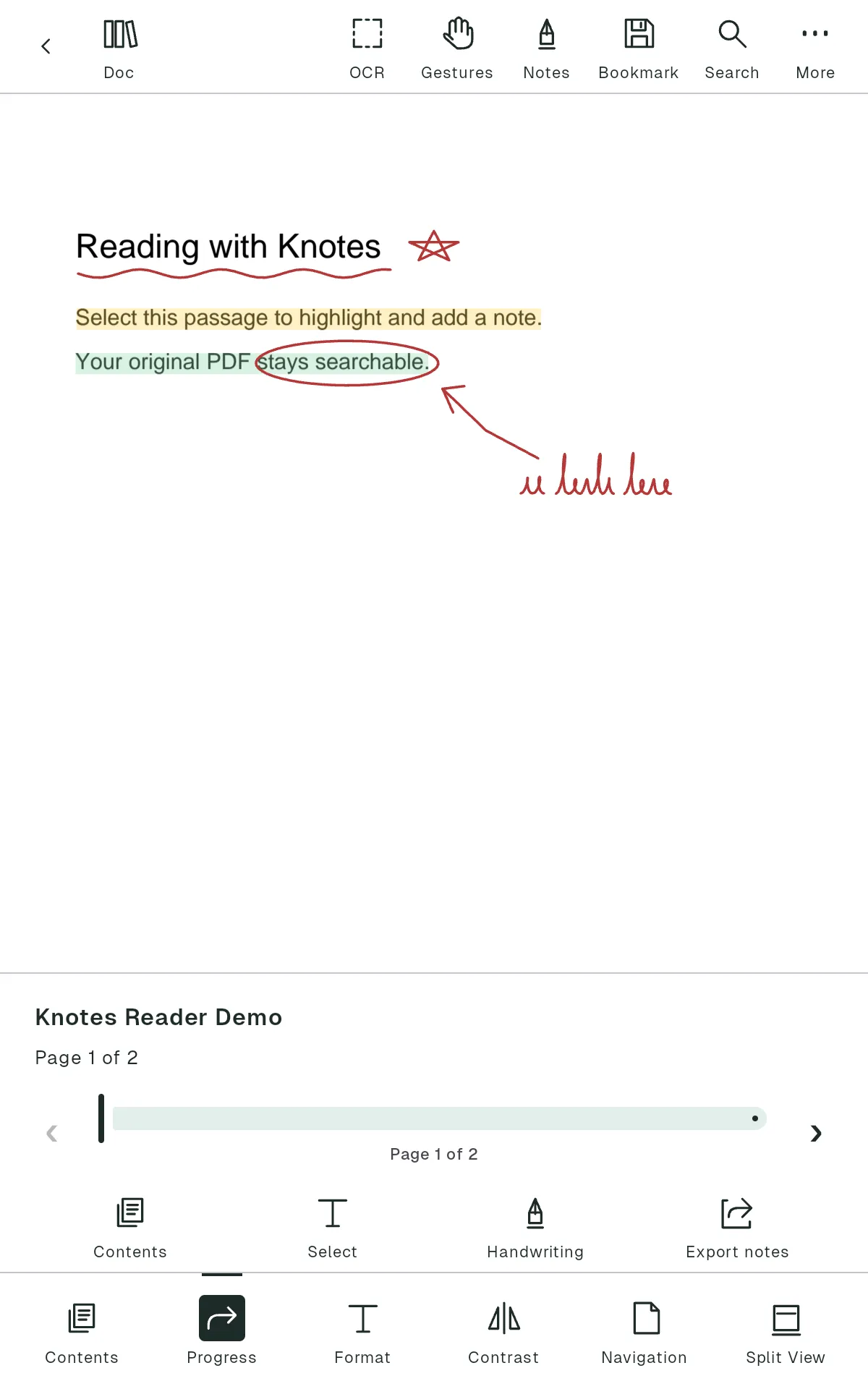
Open PDFs and EPUBs next to your notes. Highlight, underline, write in the margins and keep a notebook beside the book in study view.

  • Search, bookmarks and on-device text recognition
  • Export the annotated PDF or your notes as Markdown
  • Open books straight from other apps
A PDF open in the Folio reader with a highlighted passage

The small things, done properly

  • Smart backups

    A few minutes after you close a note, Folio saves a verified copy to a folder you choose and keeps daily, weekly and monthly versions.

  • Trash you can undo

    Deleted notebooks, folders and books wait in Trash for 7 or 30 days before they go.

  • Folders with character

    Six colours and four folder styles, with drag and drop between them.

  • Find anything

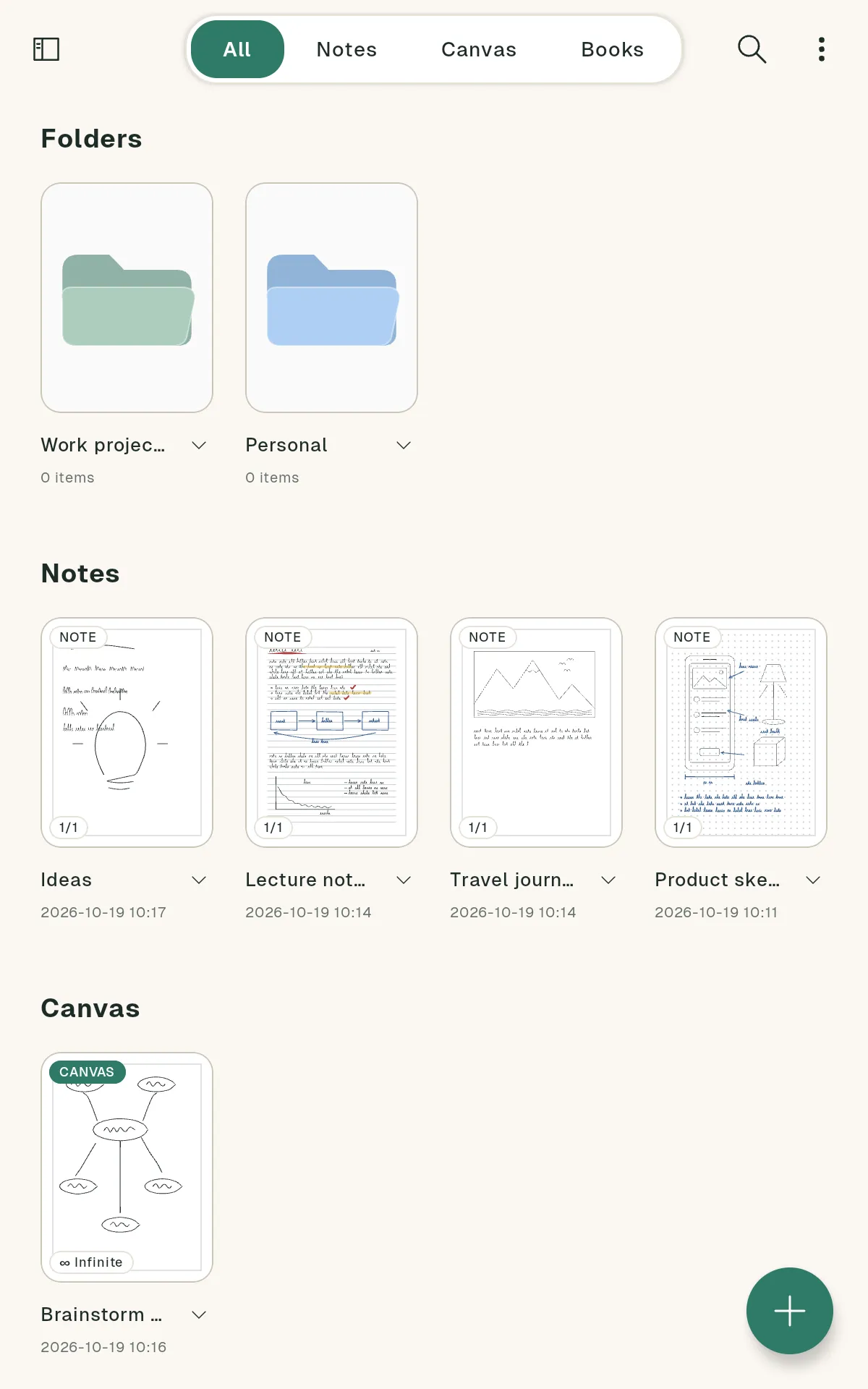
    Search notebook names, typed text, tags, outlines, book titles and authors.

  • Share what you made

    Export pages as PDF or PNG, or a whole notebook as an editable .folio file.

  • Your layout

    Pick an accent colour, corner style, grid or list, and the toolbox set you use most.

A closer look

Your notes never leave your tablet.

Folio has no account and no cloud. Your notes and books stay on your device, backups go to a folder you pick, and you can open them anywhere.

No sign-in
Open the app and write.
No ads
Only anonymous usage statistics, which you can turn off.
Open format
.folio files are ZIP archives with documented JSON.
Open source
Read every line on GitHub, Apache 2.0.

Pick up the pen.

Folio is in active development. Build it from source today, or watch the repository for the first release.

Open the repository